
Features
Manage your invoices, expenses, and payments in one place.
Use PlanBill to send estimates and invoices, record expenses, and review your reports. You can work from your computer or phone using the same account.
Keep your invoices, expenses, and records together.
Take a look inside PlanBill. These examples use sample data.
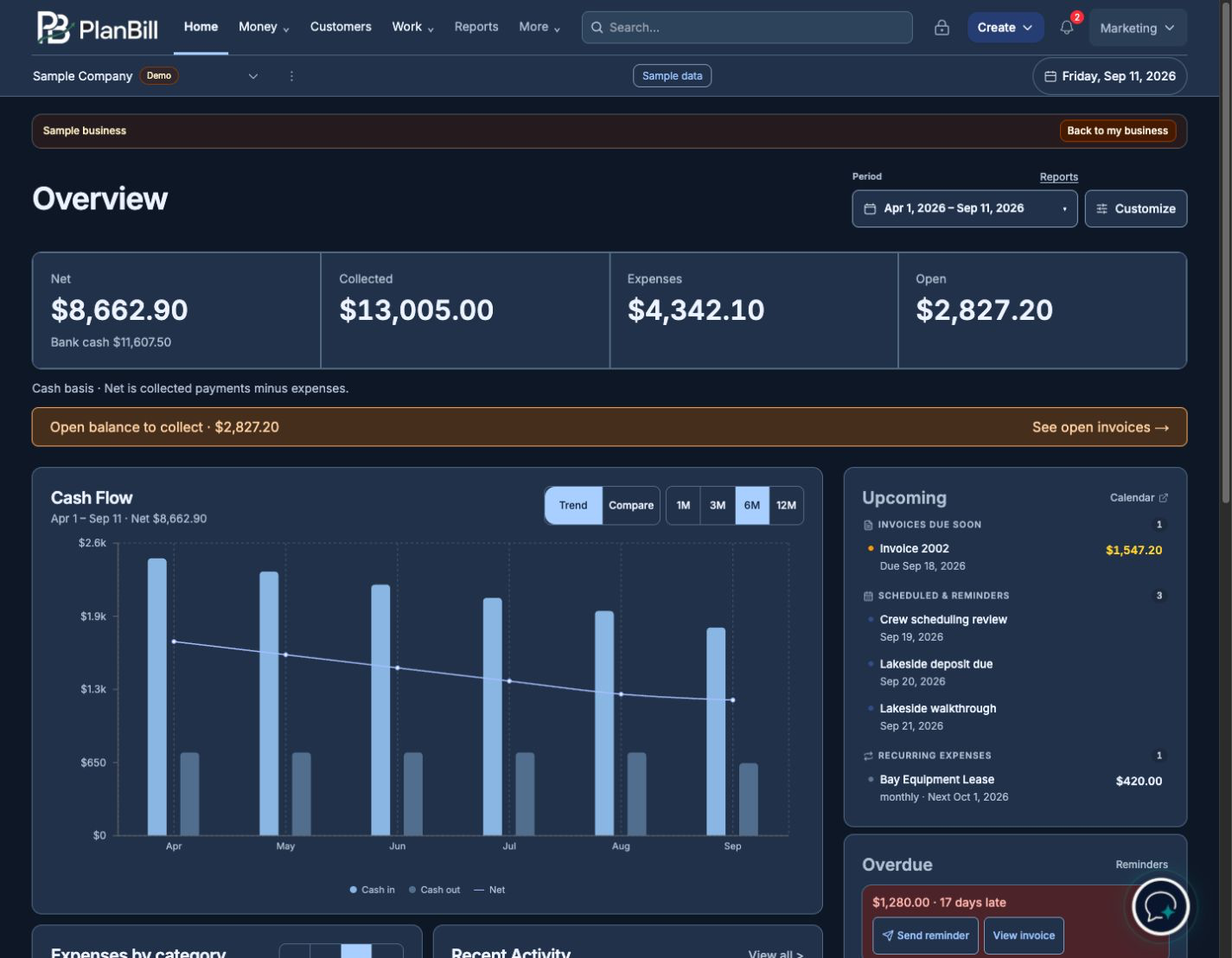
Dashboard
See what’s been paid and what’s coming up.
View your payments, expenses, and unpaid invoices in one place. Your dashboard also shows upcoming work and reminders.
Invoices
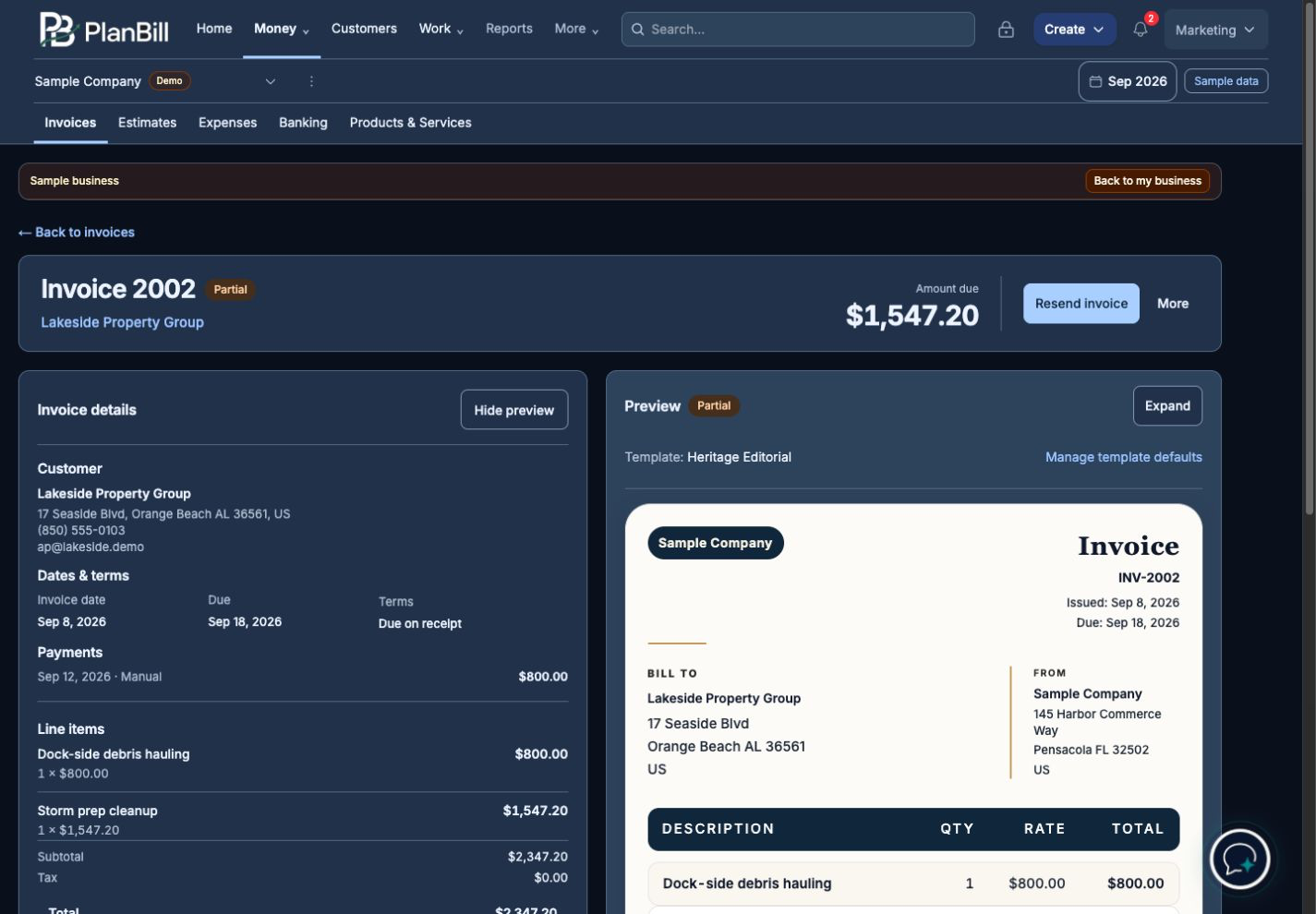
Send invoices and keep track of payments.
Create an estimate or invoice, request a deposit, and let customers pay online. Set reminders to follow up on unpaid invoices and see how much is still owed.
Assistant
Tell Assistant about the job.
Describe the work and what to charge. Assistant puts together an invoice or estimate for you to look over, edit, and send.
Nothing is sent until you’re ready.
“I painted Jordan’s kitchen. Write up an invoice for $450.”
For Jordan
Look it over, then send it.
Estimates
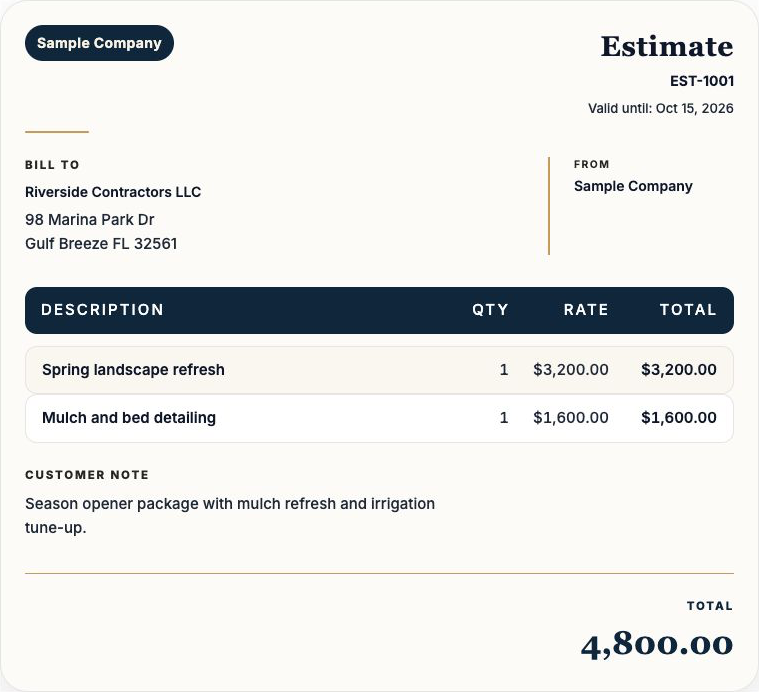
Give your customer a price for the work.
Send an estimate for your customer to review. When they accept it, turn it into an invoice.
View the estimates page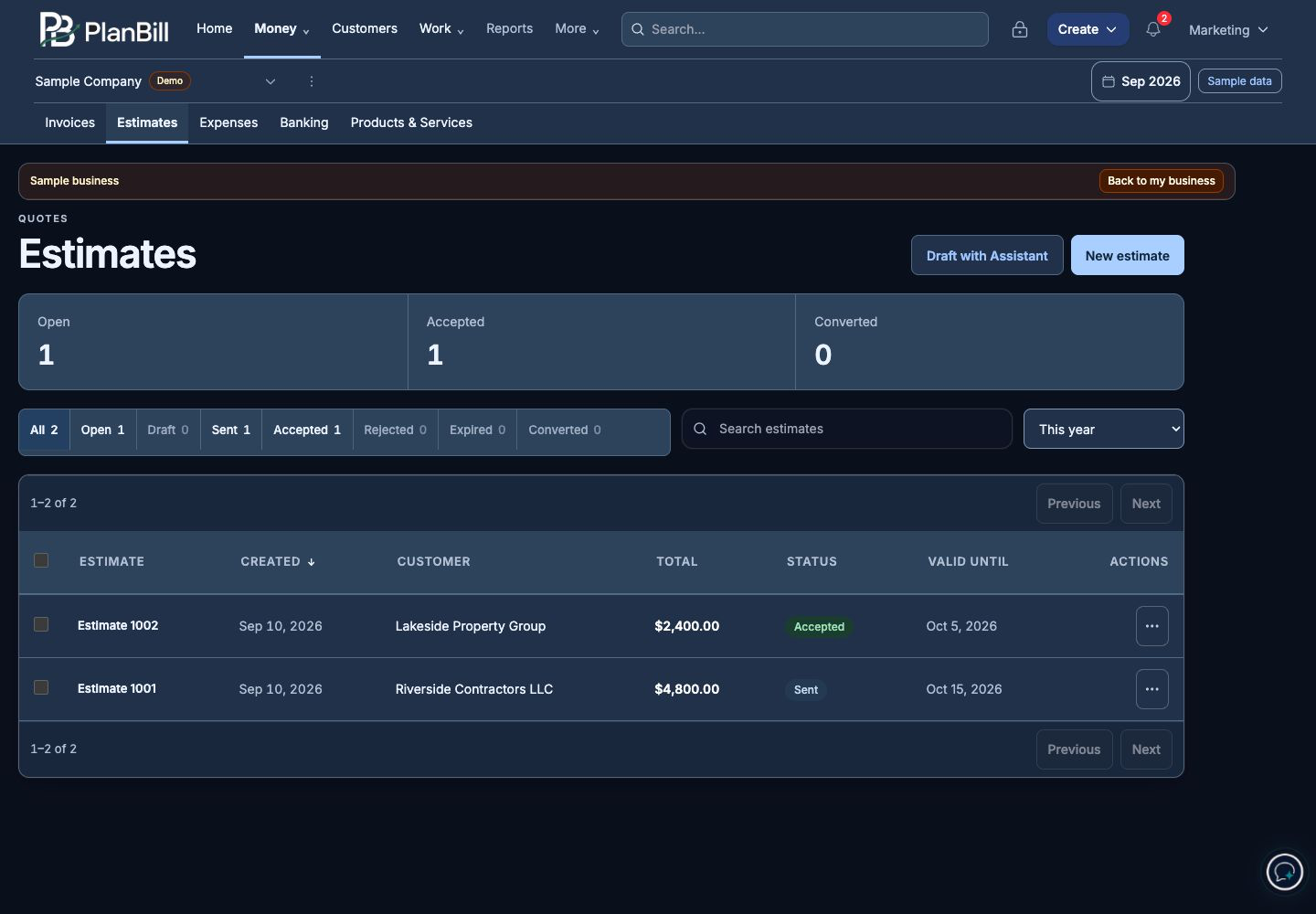
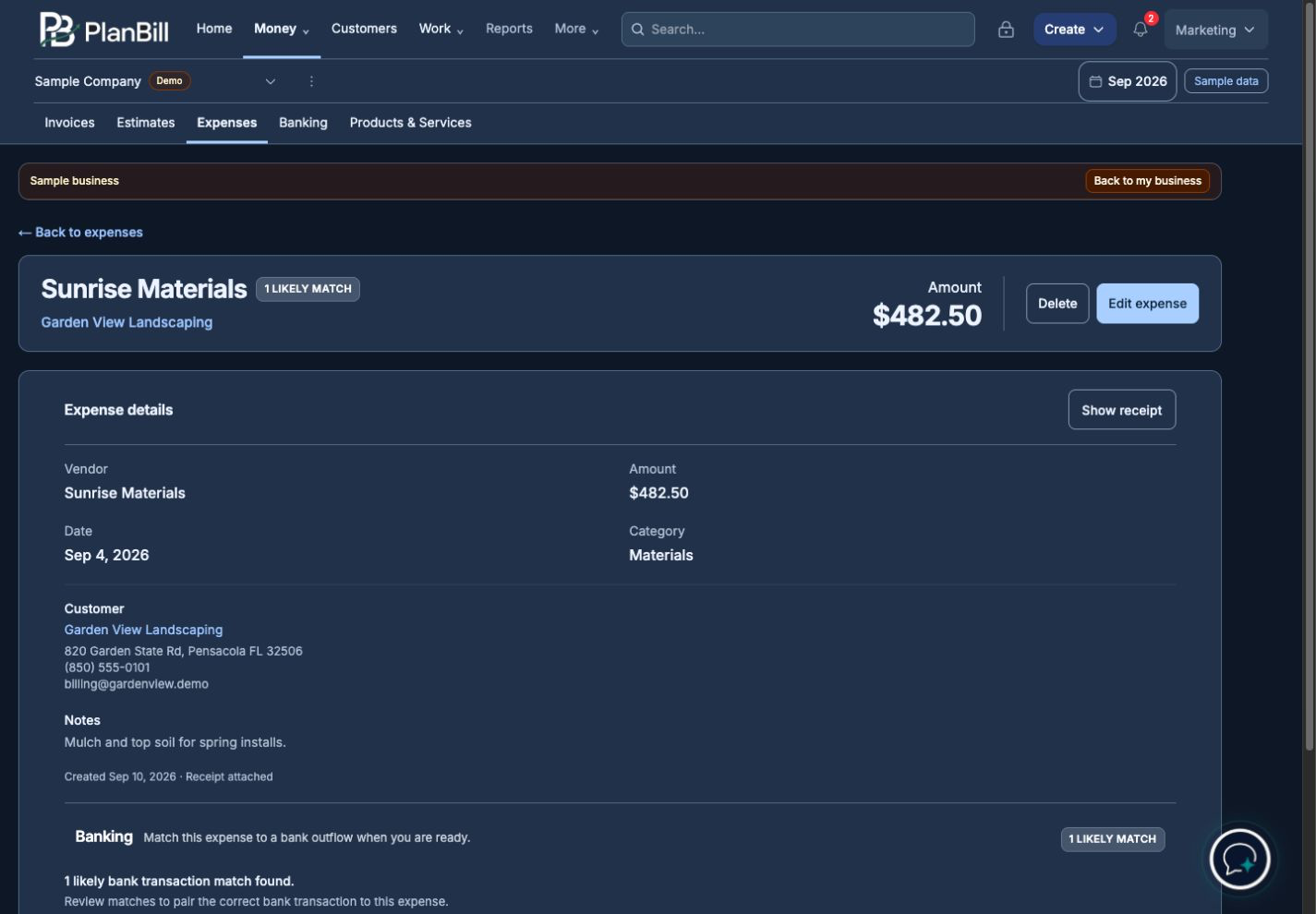
Expenses & receipts
Save your receipts without entering every detail yourself.
Upload a receipt photo or file, and PlanBill suggests the details for you. Review the information, make any corrections, and save it with your expenses.
PDF, PNG, and JPG · Duplicate detection
View the expenses page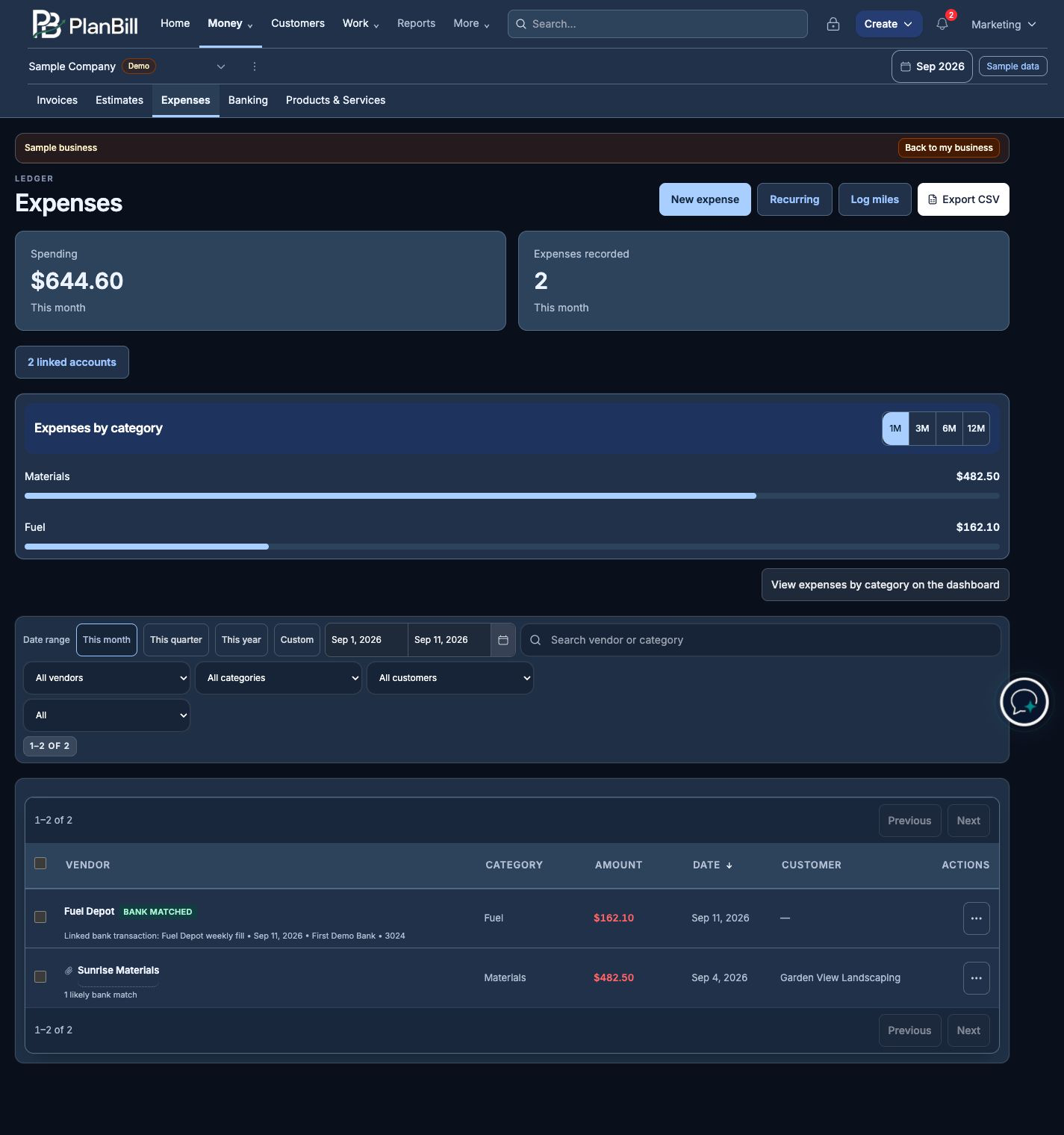
Your receipt
Details PlanBill suggests
- Vendor
- Sunrise Materials
- Date
- Sep 4, 2026
- Total
- $482.50
Review the details and make any corrections before saving.
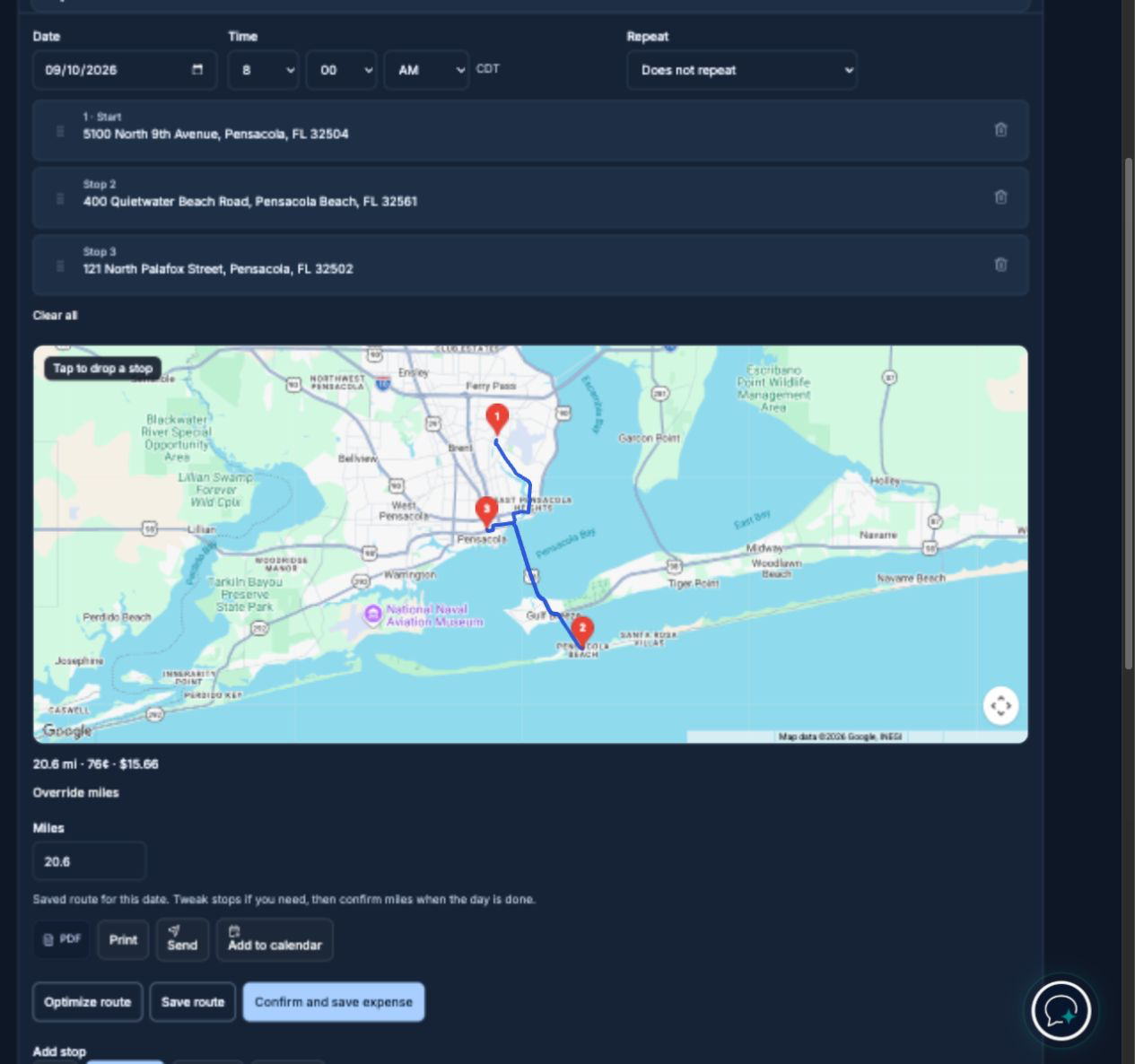
Routes · Pro
Map your route, optimize it, and log your miles.
Add your stops. Optimize your route. Your mileage expense is calculated for you—just review and save.
Keep track of your income and expenses.
Connect your bank to review transactions alongside your expenses. You can also see which invoices are unpaid and which bills are coming due.
Download or view your records when you need them.
View your invoices, expenses, and reports in PlanBill, or download a PDF or CSV when you need a copy.
See what you can do with PlanBill.
Invoices
Send an invoice by email, accept card payments online, and follow up with reminders. Customer texting is available on Pro, with consent.
Assistant
Use the same Assistant on Home and in Money. Tell it about the work, and it puts together an invoice or estimate. Look over the draft, make any changes, and send it when you’re ready.
Estimates
Send your customer an estimate to review. Once they accept it, you can turn it into an invoice.
Receipts
Upload a receipt from your phone or computer. PlanBill suggests the vendor, date, and total so you can review the details before saving.
Expenses
Track what you spend and attach the receipt to that expense.
Bank
Link your bank account to view transactions and match them to your expenses.
Reports
View or print your reports, or download a PDF or CSV when you need a copy. With Pro, you can also schedule reports to arrive by email.
Routes
With Pro, you can plan your stops, optimize your route, and track mileage.
Create a free account and send your first invoice.
Start with Standard at no monthly cost. You can move to Pro if you need more features.